Browse Easily
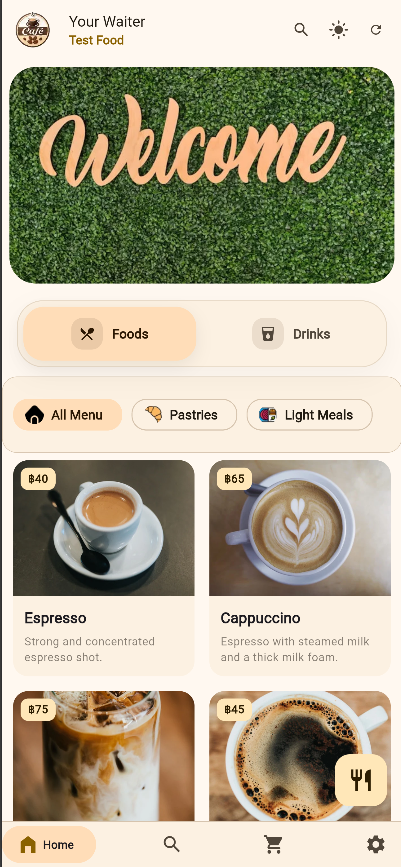
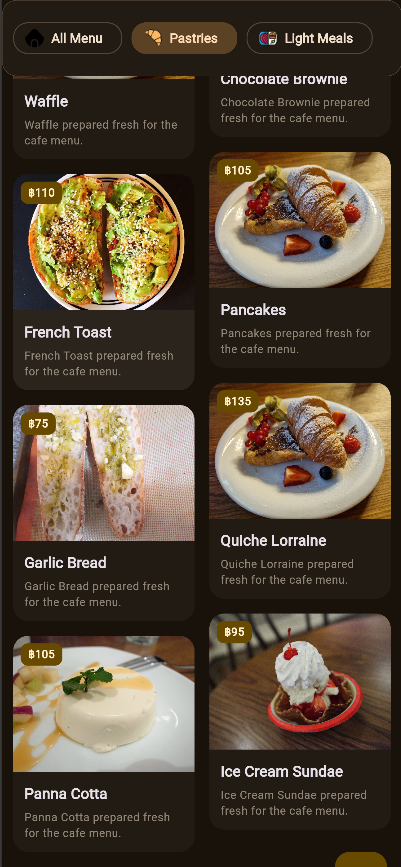
Food, drinks, specials, featured items, and categories stay organized in a clean layout.
QR menu for restaurants, cafes, bars, and hotels
Give every guest a faster, clearer way to explore your menu from any phone, tablet, or desktop.
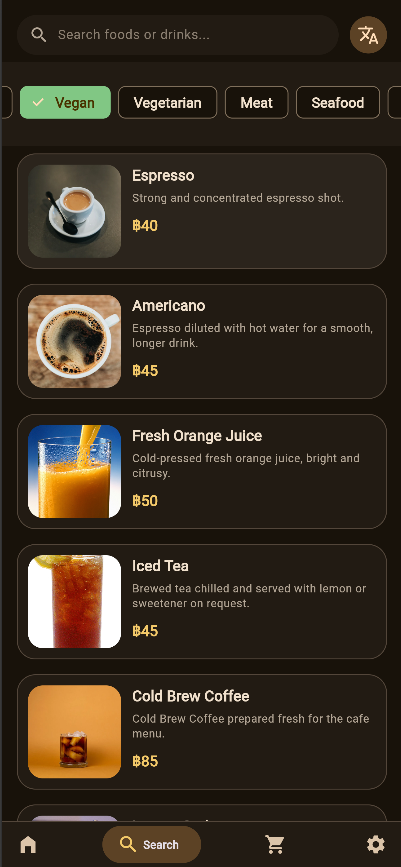
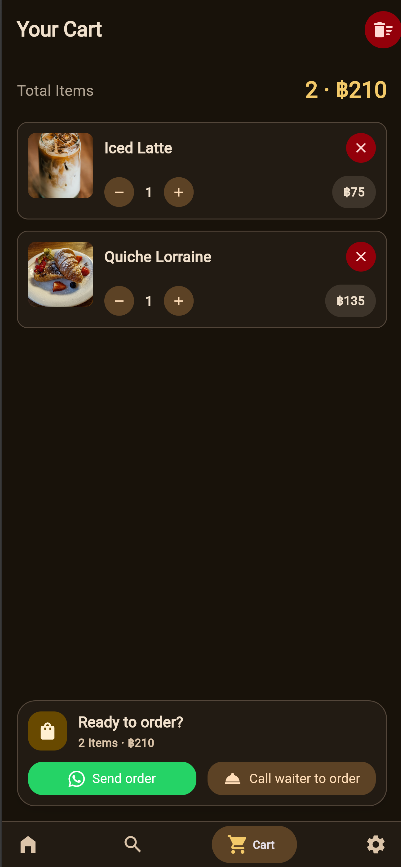
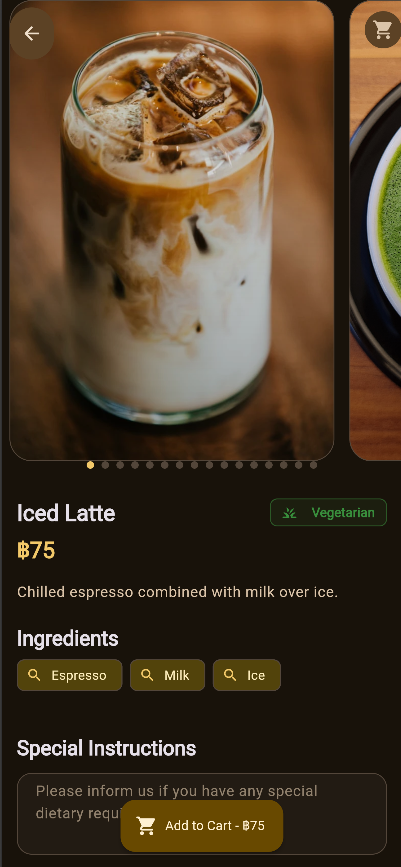
Guests can browse food and drinks, search items, view photos, choose add-ons, save favorites, build a local cart, and copy an order summary when they are ready.
Built for local hospitality
Your Waiter Online Menu is a multilingual restaurant menu app for food businesses that want simple sharing, better item discovery, flexible branding, and a smoother guest journey without adding payment processing to the workflow.
Feature highlights
Food, drinks, specials, featured items, and categories stay organized in a clean layout.
Search and filters help customers find dishes by name, category, or food type.
Photos, prices, descriptions, ingredients, add-ons, galleries, and notes fit in one flow.
Guests can save favorites, add cart notes, and copy an order summary for staff.
Cached menu data keeps browsing useful when the internet connection is unstable.
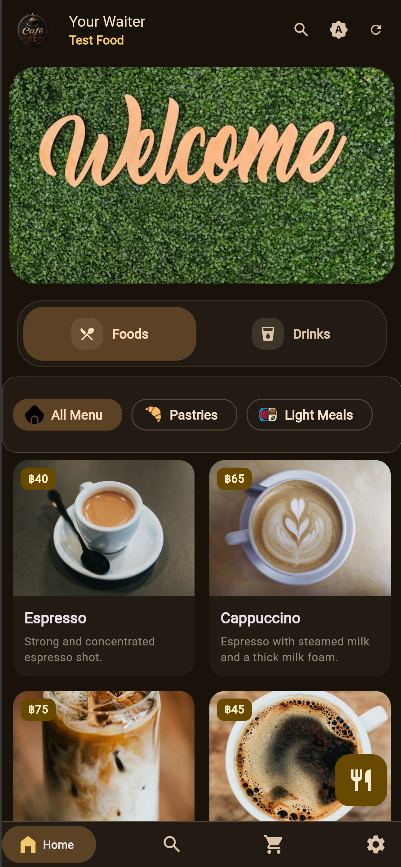
Theme colors, light and dark modes, photos, and display settings can fit the restaurant.
How it works
For restaurants
Share your menu with a link or QR code.
Show photos, categories, specials, add-ons, and item details.
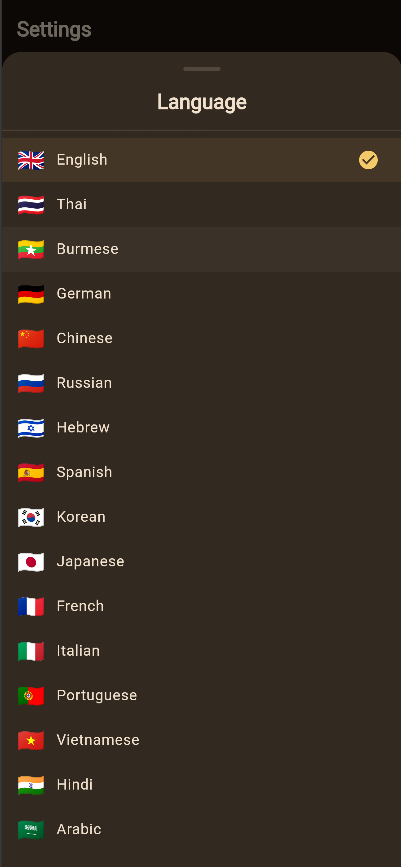
Serve tourists and locals with a multilingual interface.
Keep confirmation and payment under your team's control.
Language support
Privacy and trust
Your Waiter stores settings, selected restaurant, favorites, cart items, and cached menu data locally on the user's device. It may use Firebase Analytics to improve reliability, but it does not sell personal information and does not process payments.
FAQ
No. It helps guests browse and prepare an order summary. Final confirmation and payment happen directly with the restaurant.
Yes. Restaurants can share the digital menu through a direct link or printed QR code.
Yes. The interface is designed for mobile first and also works on tablet, desktop, and web.
Start with the demo
Open the demo menu or contact the Your Waiter team to talk about your restaurant.